Incoming mail
Sorts messages, logs information requests in the register and drafts replies to citizen questions.
Citee Agent drafts letters, sorts incoming mail, tracks deadlines on freedom of information requests and writes meeting minutes. Data stays in the EU, and the office sees where every crown goes.Download the appI want Agent for our office
An AI work assistant for town hall staff. In its own window, with access to files on your computer, and only where you let it.
To sign in, you need your office’s Citee address and an account. Your office’s Citee administrator will send you both.
Version 0.1.0 · preview release · SHA-256 checksums
for your computerClick the Apple menu in the top left → About This Mac. If “Chip” says Apple M1, M2, M3 or newer, download the Apple silicon version. If “Processor” says Intel, download the Intel version.
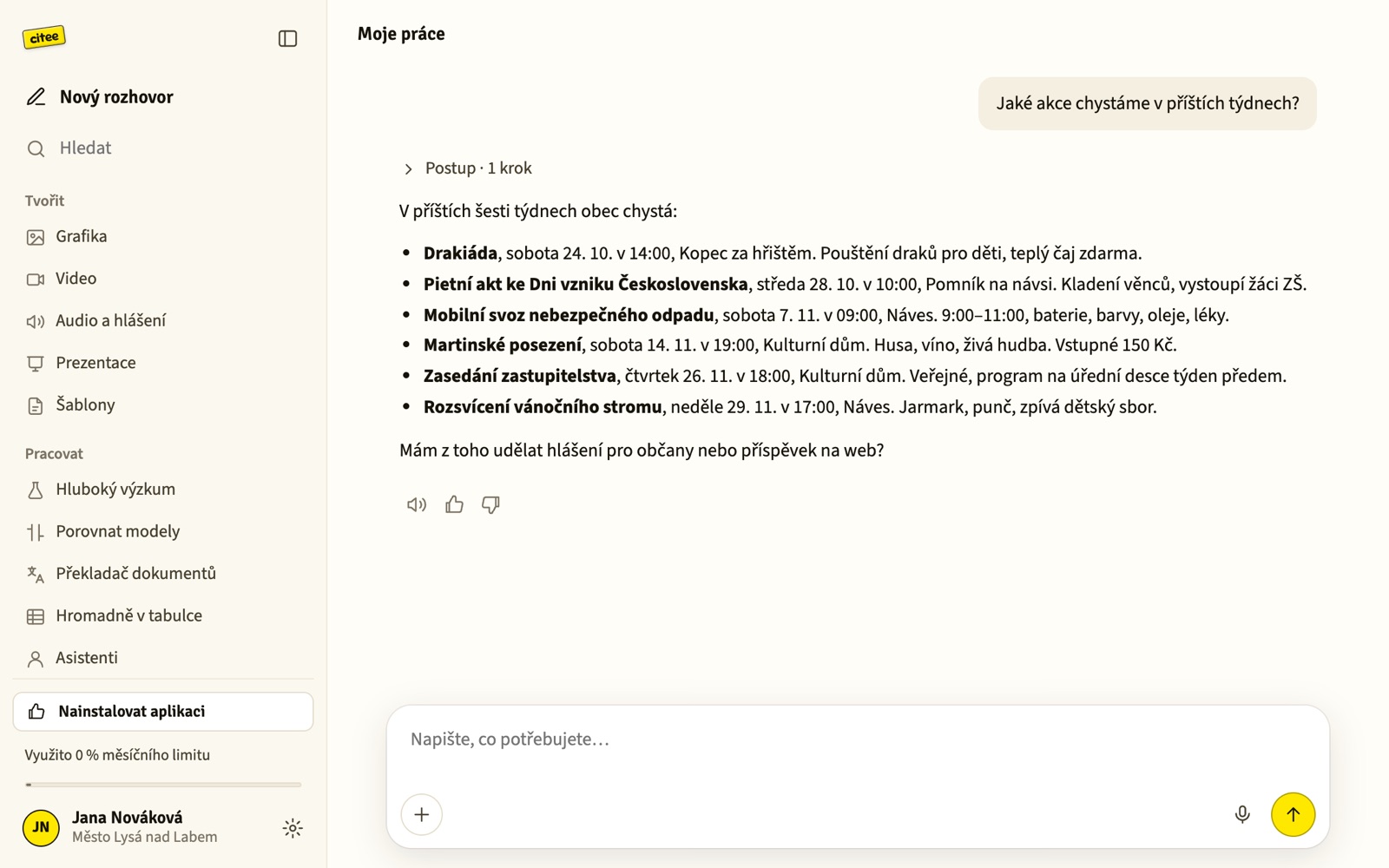
The same Citee Agent as in the browser: conversations, templates, document translation, freedom of information requests, a studio for images and announcements.
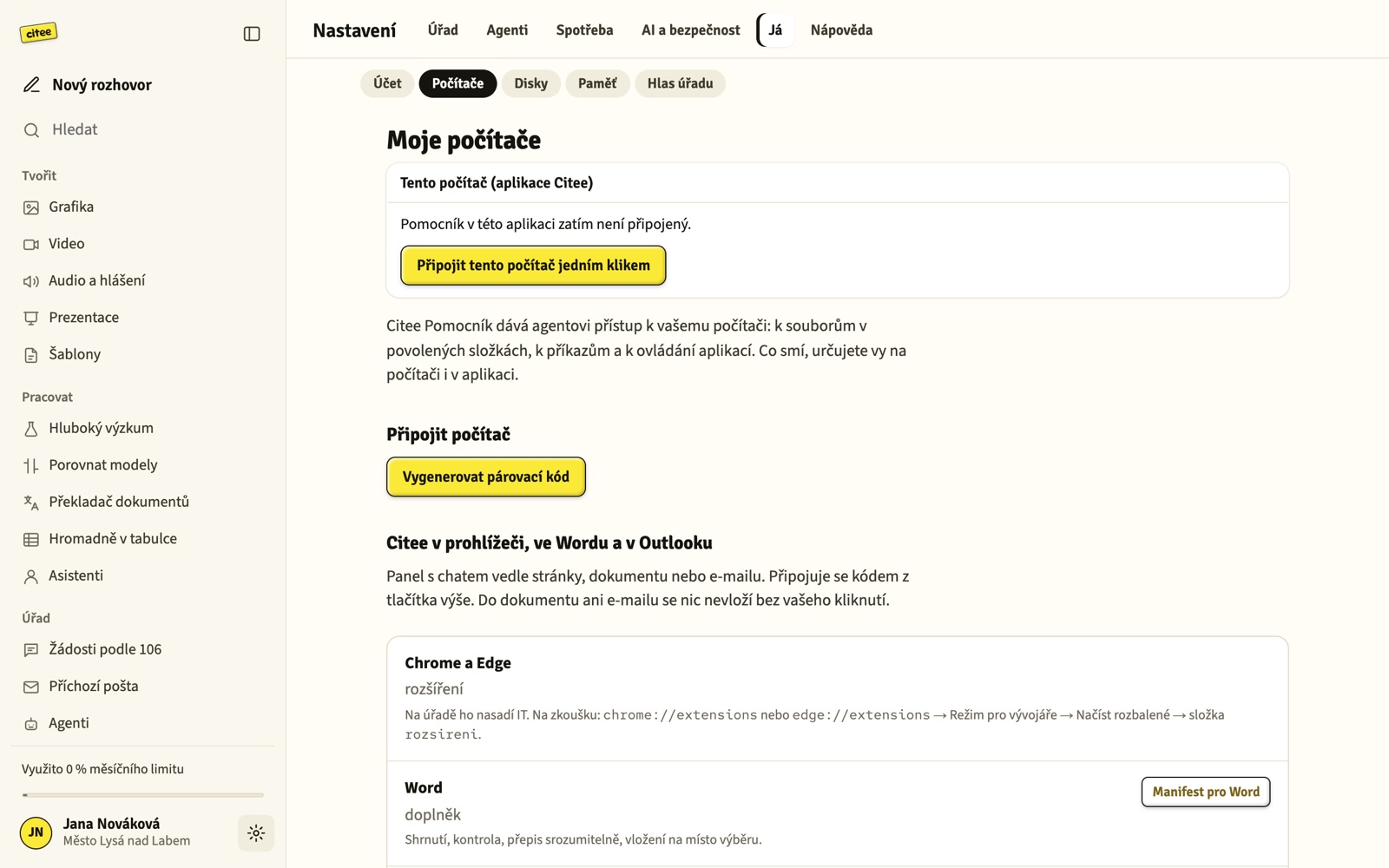
Citee Helper runs inside. With it, the agent reads and prepares documents in folders you allow and helps with apps on your computer.
After signing in, click “Connect this computer” in settings. Disconnect it any time.
This is a preview release without a code signature from Microsoft and Apple yet. We will add signing before general release and the warning will go away.
No. Citee Agent also works in the browser. The app can additionally work with files on your computer and keeps running with the window closed (tray icon).
Only into folders you allow. You can disconnect the helper in settings any time, or quit the app from the tray icon.
Windows: Settings → Apps → Citee → Uninstall. Mac: drag Citee from Applications to the Trash.
Agent does the work office staff do by hand. A person reviews every output before it goes out.
Sorts messages, logs information requests in the register and drafts replies to citizen questions.
Handles requests under the Czech Freedom of Information Act (106/1999). Assesses each request, tracks deadlines including weekends and holidays, drafts letters and decisions. At year end it compiles the annual report.
Fill in a few fields and get a finished announcement, letter, invitation or resolution.
Turns a meeting recording into a transcript, minutes, resolutions and a list of action items.
Upload an Excel sheet and describe what to do with each row. Up to 500 rows at once.
Translates an ordinance or notice in Word and keeps the styles, tables and images. For foreign residents.
From one brief it writes a post for the website, Facebook, Instagram and the newsletter. It can create an image too.
Roles with their own instructions and materials. For example an assistant for building permits or for the registry office.
Goes through the web and your materials and prepares a summary with sources. Useful for meeting prep.
In a plain sentence, with a template, or by uploading a file.
It picks a suitable model based on how demanding the task is.
Nothing goes out without a staff member. Every step is traceable.
Agent is built for public administration. Not a generic chat app from the internet.
For staff of municipal and town offices. For the front desk, the secretariat, the chief executive and leadership.
That depends on the office's rules. Agent is built so data stays in the EU and the office can see who does what. We are happy to help with the rules.
Agent is currently in pilot. We price it based on the size of the office and the number of users.
Connections to email, the government data box and records management are in progress. For now, messages can be pasted into Agent manually.
Agent is ready, and we are looking for offices to fine-tune it with. Write to us and we will show it to you.